
Magnet Linker
Copy Magnet Links on iOS
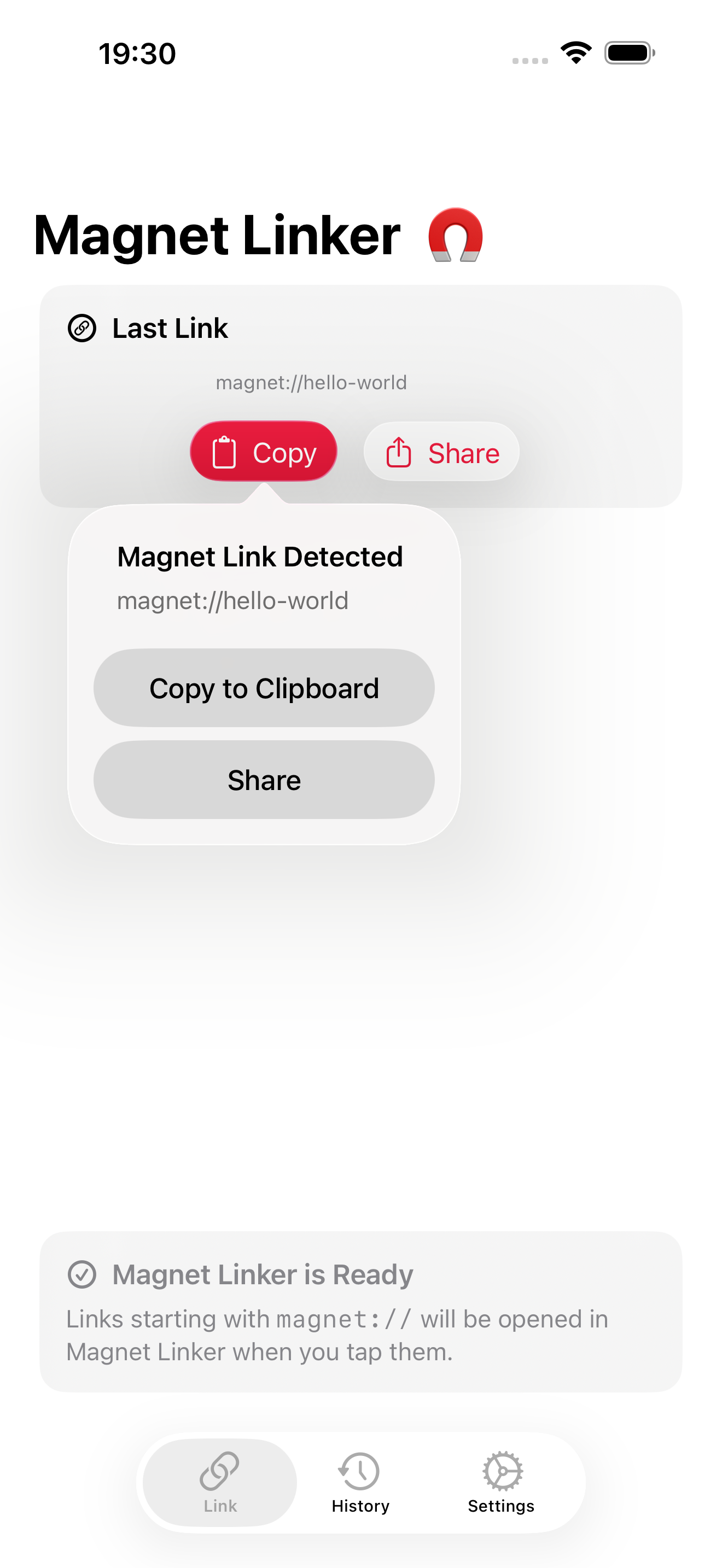
The simple way to open and copy magnet:// links on iPhone and iPad. Tap a magnet link in Safari or another app, and Magnet Linker copies it to your clipboard instantly — ready to paste into any web-based downloader or service.

App Screenshots
Features
Instant Copy
Tap any magnet link. Magnet Linker opens automatically and copies the full link to your clipboard.
Zero Setup
Install the app and you're done. iOS will route all magnet links to Magnet Linker right away.
History
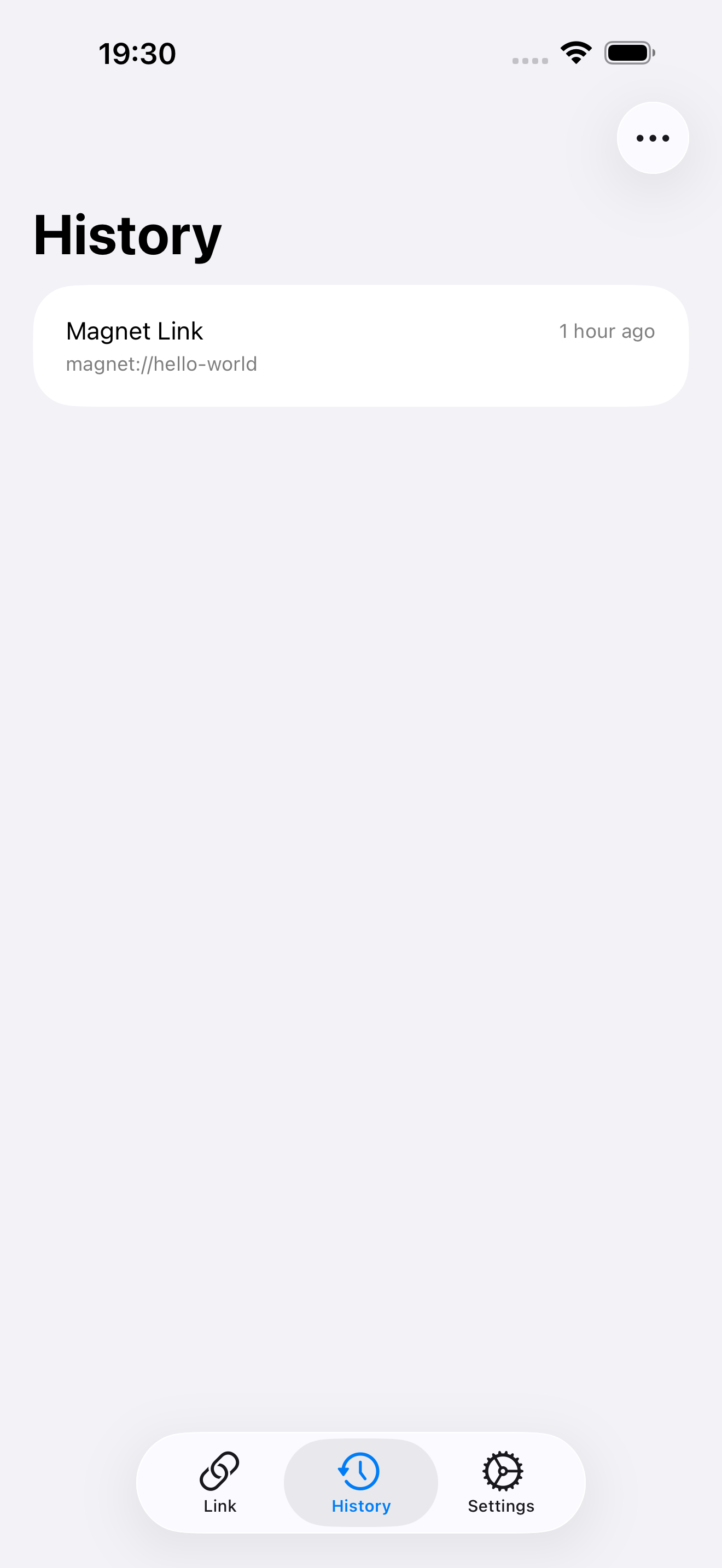
Every copied magnet link is saved locally on your device. Revisit or re-copy them with a single tap.
Automation
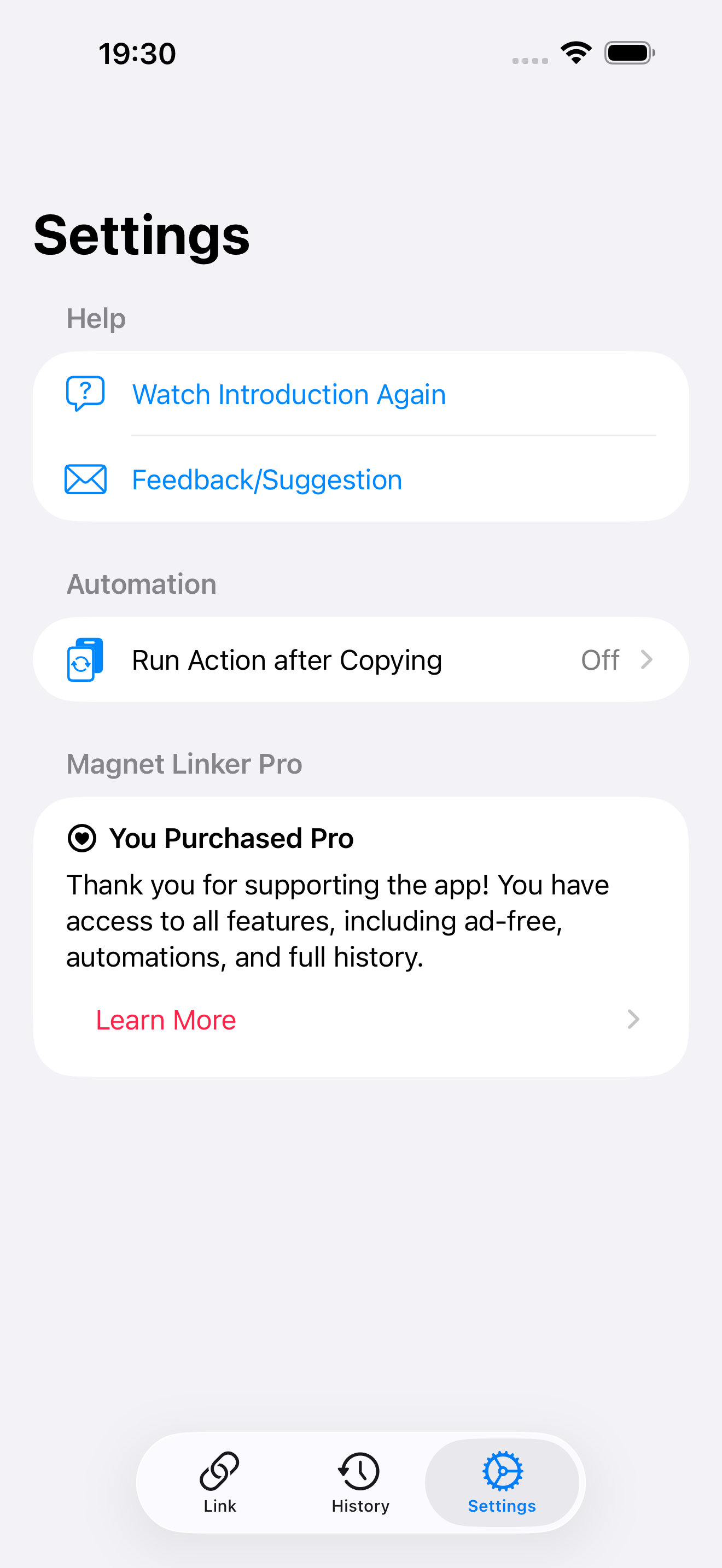
Optionally launch your preferred web downloader after copying to streamline your workflow.
Local Storage
Magnet Linker keeps all magnet-link history on your device. No accounts or cloud sync. The app may show ads for free users.
Built for iOS
Fast, lightweight, and feels native on both iPhone and iPad. Supports dark mode and dynamic type.
Why iOS Needs Magnet Linker
iOS doesn't handle magnet:// URLs natively, so Safari and other apps can't show a copy option. Magnet Linker fixes this, giving you full clipboard access without workarounds.