Magnet Linker: Copy Magnet Links on iPhone and iPad
The missing magnet:// handler for iOS
iOS does not let Safari copy or open magnet links because the magnet:// scheme is not built into the system. Magnet Linker fixes that. Tap any magnet link in Safari, Reddit, Telegram, or another app, and the full link lands on your clipboard ready to paste into a cloud downloader or web service.
No account, no cloud sync, no setup. Free with Pro available as a one-time purchase for full history and automations.

How It Works
Three steps. No setup, no configuration, no account.
Install Magnet Linker
One download from the App Store registers Magnet Linker as the iOS handler for magnet:// links.
Tap any magnet link
From Safari, Chrome, Reddit, Telegram, or any app that opens links. iOS routes the magnet to Magnet Linker.
Paste anywhere
The full magnet link is on your clipboard. Drop it into any cloud downloader or web service.
App Screenshots
Features
Instant Copy
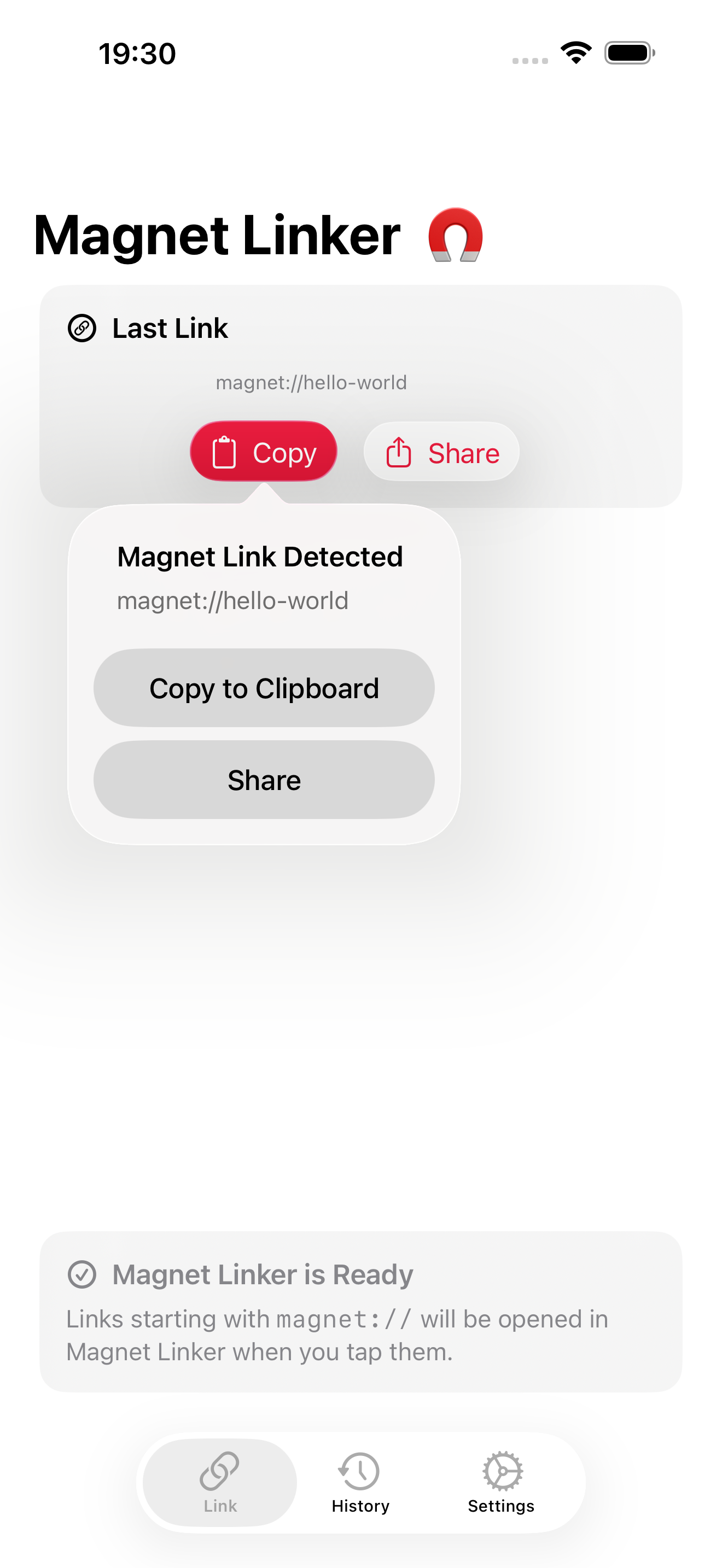
Tap any magnet link. Magnet Linker opens automatically and copies the full link to your clipboard.
Zero Setup
Install the app and you are done. iOS routes magnet links to Magnet Linker right away. Troubleshooting if a link does not open.
History
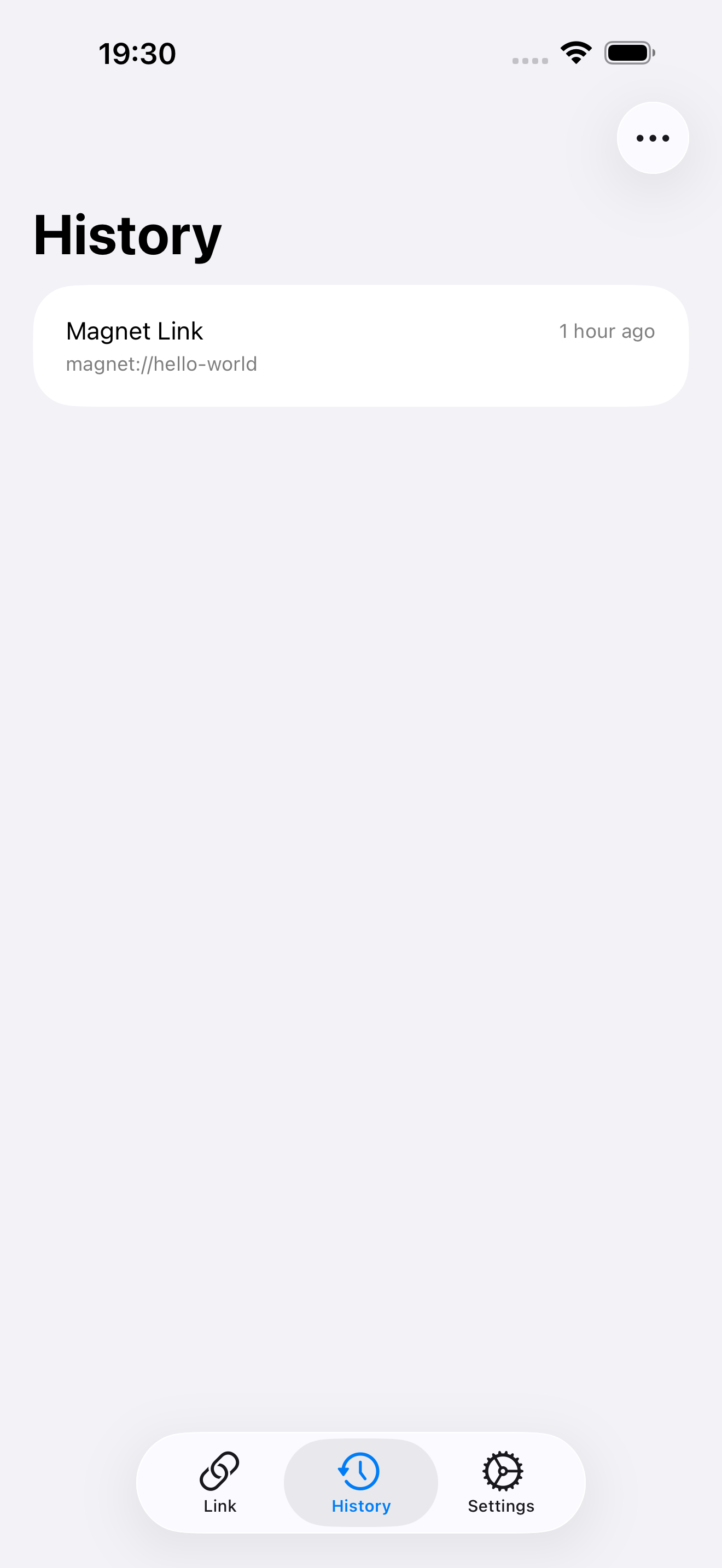
Every copied magnet link is saved locally on your device. Revisit or re-copy any past link with one tap. More on link history.
Automations
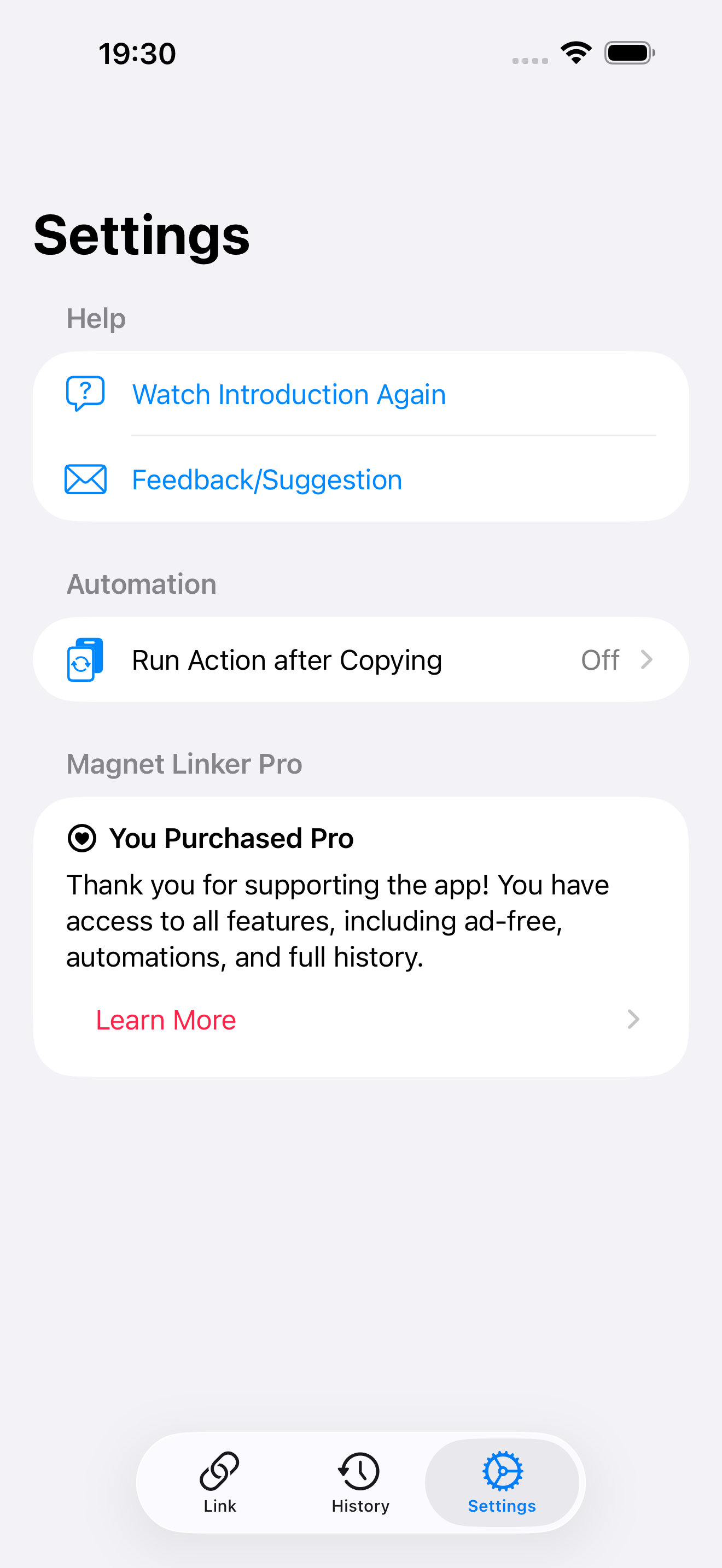
Open your favorite cloud downloader page or run an Apple Shortcut after every copy. How automations work.
On-Device Only
No account, no cloud sync, no server. History and settings live on your iPhone or iPad. Free users see banner ads, removable with Pro.
Built for iOS
Fast, lightweight, native feel on iPhone and iPad. Supports dark mode and Dynamic Type.
Send Magnet Links to Your Cloud Downloader
Magnet Linker can open your downloader page automatically after every copy. One tap from a magnet link in Safari to your cloud queue.
put.io
Configure put.io as the post-copy target and tap your way from Safari to a queued transfer.
premiumize.me
Open the premiumize torrent page with the link already on your clipboard, ready to paste.
seedr
Hand off magnet links to seedr.cc and start a cloud download in seconds.
Why iOS Needs Magnet Linker
iOS does not handle magnet:// URLs natively. The system only triggers the standard copy and preview menu for URL schemes it understands, and magnet:// is not on Apple's allowlist. Without an app registered as a handler, tapping a magnet link in Safari either does nothing or fails silently.
Magnet Linker registers as that handler. iOS then routes any magnet link to the app, which copies the link and (optionally) hands it to a cloud downloader.
What is a magnet link? →
How to Copy Magnet Links on iOS →
Read the full FAQ →
Guides & Tutorials
Everything about magnet links on iPhone and iPad.
What Is a Magnet Link?
A plain explainer of magnet links, how they differ from torrent files, and why iOS makes them hard.
How to Copy Magnet Links on iPhone
The fastest way to copy a magnet link on iOS in three steps. Works in any app.
Magnet Link Not Opening?
Six checks that solve almost every case of a magnet link not launching on iPhone.
Automate With Shortcuts
Use the Apple Shortcuts URL scheme to build one-tap magnet workflows on iOS.
Magnet Link History
Find any magnet link you have copied before. On device only, no cloud.
Browse all guides →
The full Magnet Linker blog with troubleshooting, automations, and cloud handoff guides.
Frequently Asked
Why won't iOS copy magnet links natively?
iOS only shows the standard copy menu for URL schemes it recognizes. The magnet:// scheme is not built into iOS, so Safari has no native action when you tap. Magnet Linker registers as a handler for the scheme and fills the gap.
Does Magnet Linker download torrents?
No. Apple does not allow torrent clients on the App Store. Magnet Linker copies the magnet link so you can paste it into any cloud downloader like put.io, premiumize.me, or seedr.
Is Magnet Linker free?
Yes. The free version copies magnet links and shows the most recent link. Pro is a one-time purchase that unlocks full history, automations, and removes ads. No subscription.
Where is my data stored?
On your iPhone or iPad. There is no account, no cloud sync, and no server-side history. Your magnet link history stays on the device.